
CUTECULATOR
CUTECULATOR is just a calculator. But a really cute and funny one, designed to make you smile every time when having to deal with numbers.


Features:
- Standard calculating features for school, home and work: addition, subtraction, multiplication and division
- “%” button for quick percent counting
- Purrrrrrr sounds and cute animation
- No annoying Ads!
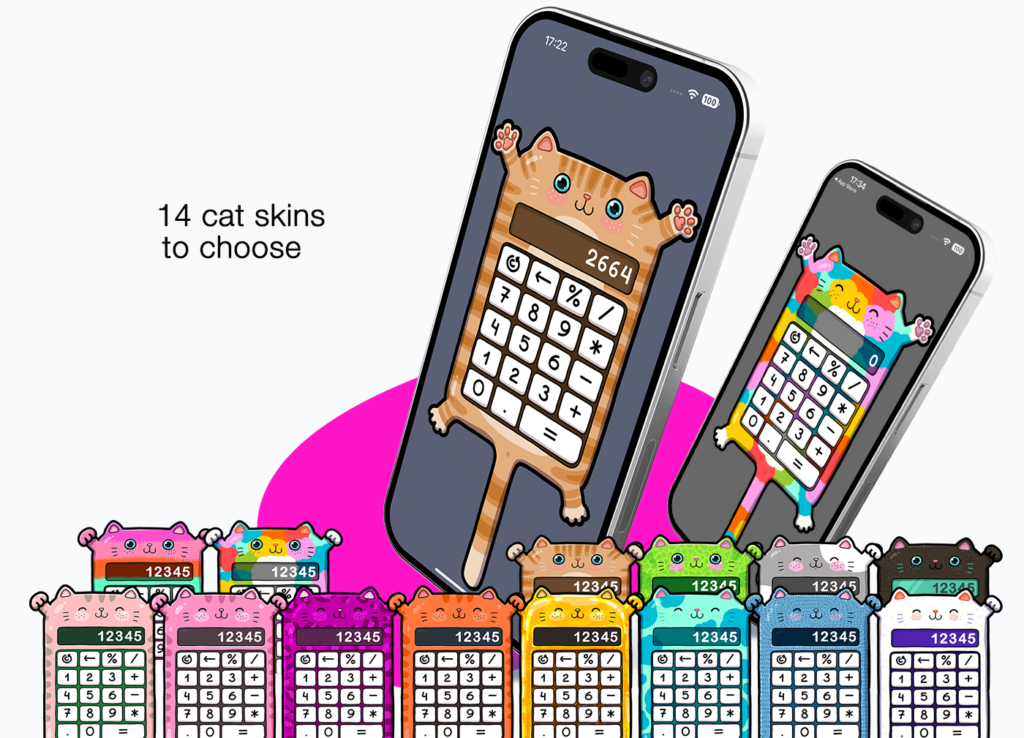
- 14 colourful cats to choose
- Secret easter egg: the cat can meow if…
- Has both portrait and landscape iPad modes
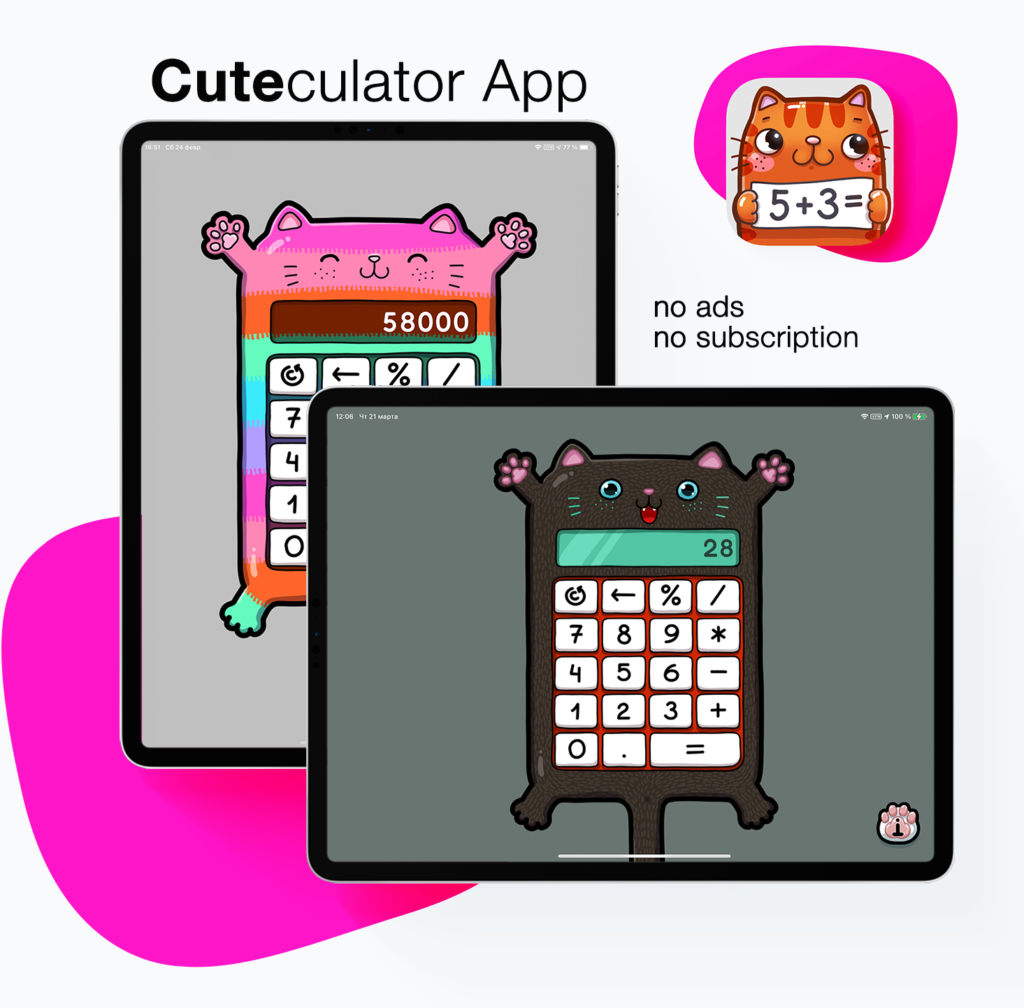
The Cuteculator is extraordinary designed by digital artist Hanna Peraroslaya, who`s main value is adding more positive feelings and cute characters to this world.
We hate annoying ads, hope you do too. There are no ads in the App.
To keep the App ticking there are additional cat colours to be added with an InApp purchase.
You can change the color of your Cuteculator in settings. 14 cute cat designs are available in current release:
TIPS AND TRICKS OF CUTECULATOR:
BUTTONS:



Example 1
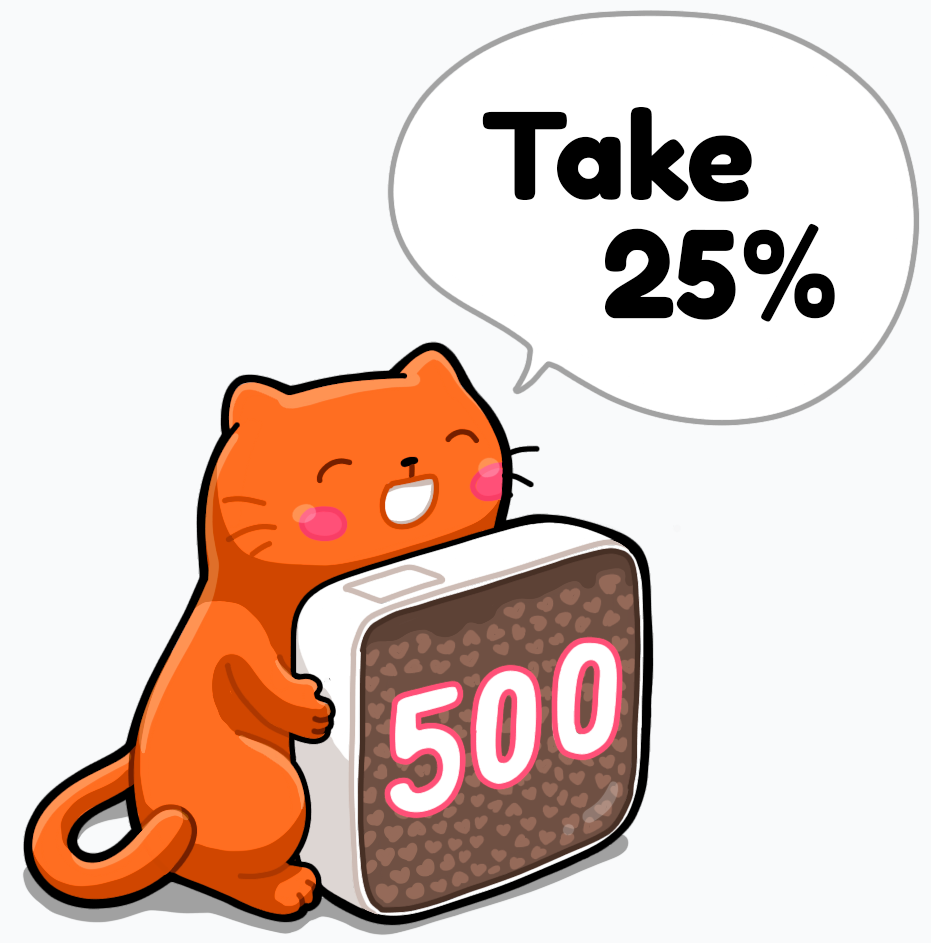
Imagine following task:
There are 500 yummies,
you will get 25%: how much is that?

To solve this task:
– type 500
– press the “%” button
– type 25
– get the answer: 125 yummies for you!
Example 2
The easiest benefit of the “percent” button – is to count quickly, how much 1% of the given amount is:
– type amount
– press “%”
The result will be 1% of given amount.
Example 3
You can add to the number the desired percentage of it in one action.
Imagine a situation: you have 500$ and will get another half of it. How much will it be together?
500 + 50% from 500 = ?
Steps to do:
- Type the number
- tap the action button
- type the needed percentage
- tap the “%” button –
now you will see, how much 50% from 500 is - and finally, press the “=” button to see
the result of addition
Our example:
- 500
- +
- 50
- %
250 - =
750
Looks tricky but this could save a lot of time. Just practice a little!
Read also:
Privacy Policy for the App “Cuteculator”.